1Start the game
Mer des Corsaires is a free pirate game you play right in your browser, on computer, tablet or phone, with nothing to download. Create your account with an email address and pick your captain name: your progress is saved online, so you can pick it up on any device.
You start in Turtle Harbor, in sea 1-1, at the helm of a small sloop with one cannon. A short tutorial guides you through your first minutes: follow it, it only takes two minutes.
2Sail with the wind
- Click on the sea where you want to go: your ship sails there on its own
- or steer with WASD, ZQSD or the arrow keys
- Put your finger on the screen and drag it, like a joystick
- Let go to stop
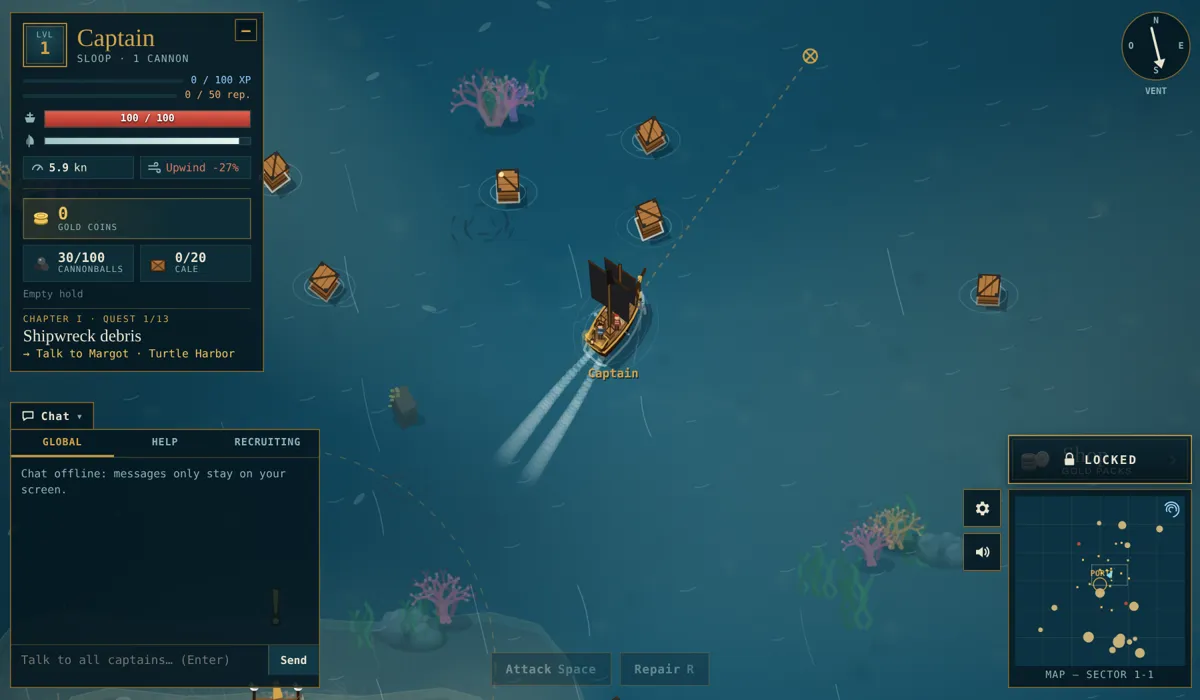
The wind changes everything: the compass in the top right shows where it blows from. With the wind behind you, your ship flies; sailing upwind, it crawls. Your speed and the wind effect are shown on your captain card, in the top left.
3Collect loot
Crates float all around the islands. Just sail over them to pick them up: they hold wood, rum, spices and sometimes rare items. Everything goes into your hold, which has limited space (20 slots on the sloop).
4Your first battle
The pirate ships prowling offshore, like the Raider, are your first targets.
- Click or tap the enemy to target it: its card appears at the top of the screen.
- Get within range, then press Space or the Attack button: your cannons fire on their own every time they reload.
- Once sunk, the enemy drops a loot crate: go and grab it.
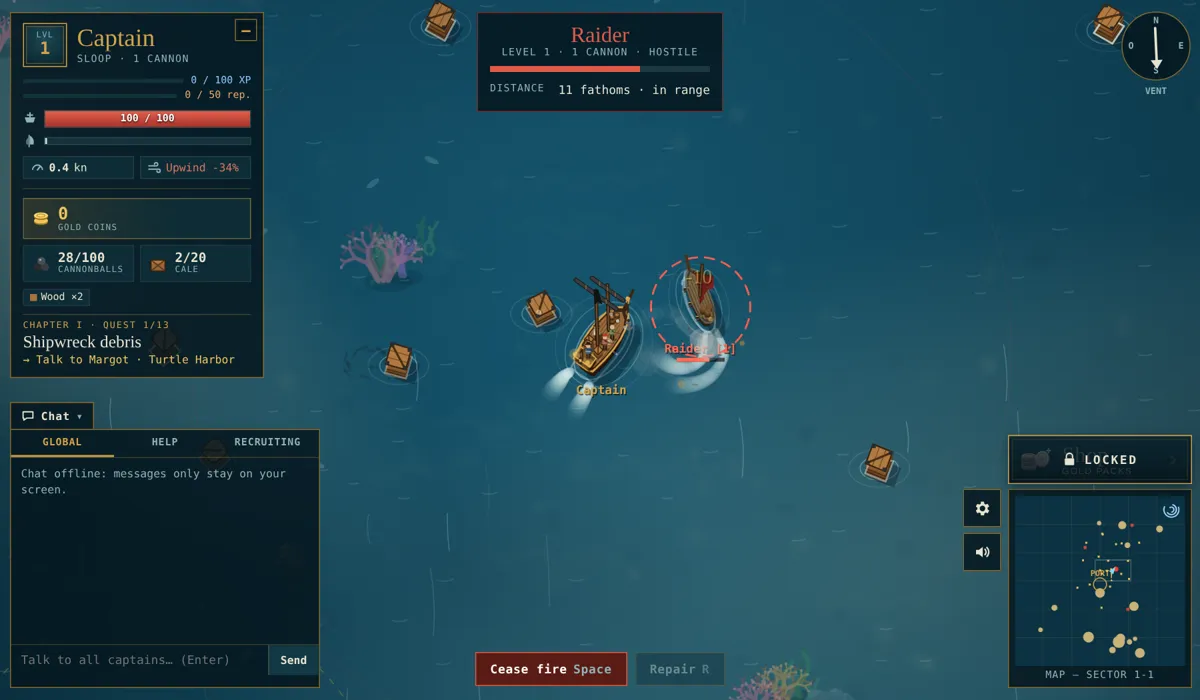
After the fight, press R or Repair: each plank of wood in your hold restores 10 hull points. Always keep some wood on board!
5Sell in port
When your hold is full, head back to port and press E or Dock. At the Market, the Sell all button turns your loot into gold, while keeping your wood for repairs. That’s also where you buy cannonballs and planks.
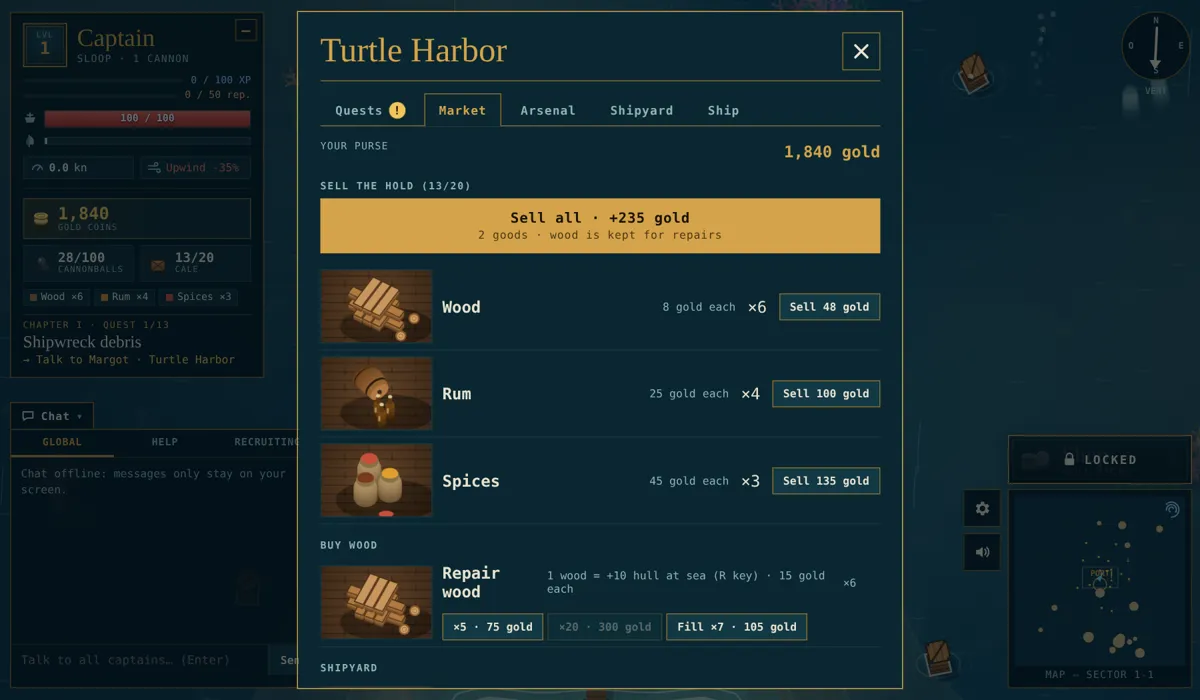
The port is a safe zone: nobody can fire there. It’s the perfect place to catch your breath between trips.
6Follow the quests
A “!” above a character means a quest. Your first captain, Margot, is waiting for you in Turtle Harbor. The 60 story quests take you through all ten seas, one by one, and pay a lot of gold and experience. Your current quest is always shown on your captain card.
7Get a bigger ship
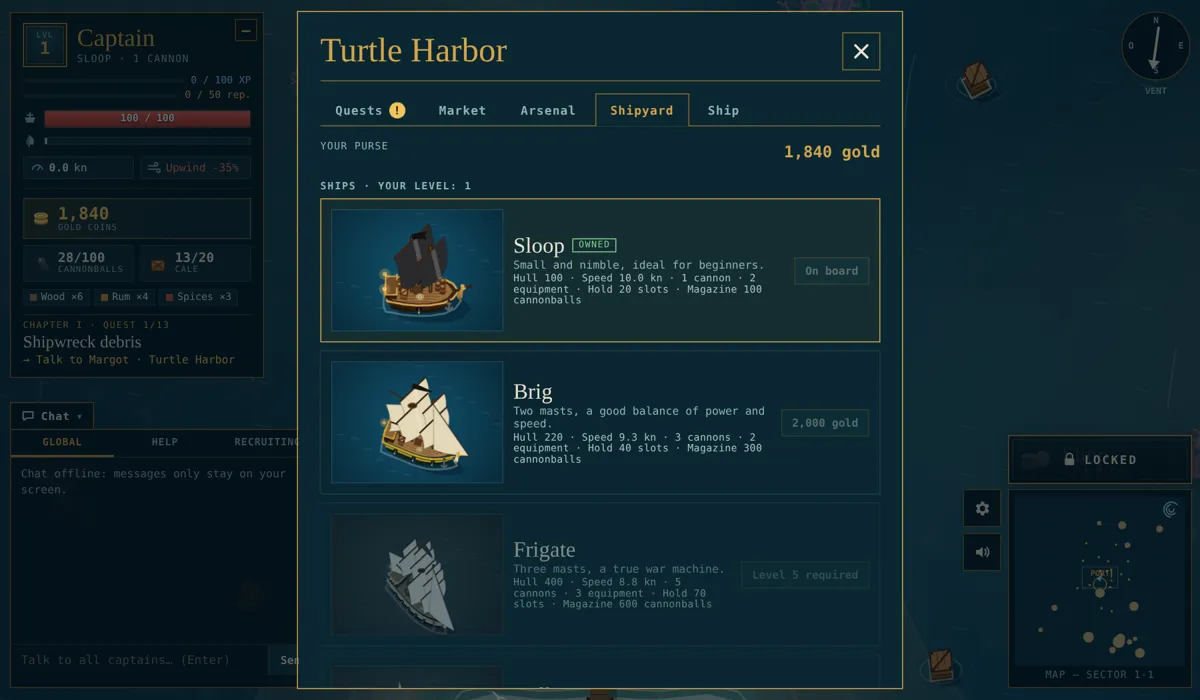
At the Shipyard, you can buy bigger ships. More cannons, more hull, a bigger hold… but a slower ship.
| Ship | Price | Level | Cannons | Hold |
|---|---|---|---|---|
| Sloop | free | 1 | 1 | 20 |
| Brig | 2,000 gold | 1 | 3 | 40 |
| Frigate | 8,000 gold | 5 | 5 | 70 |
| Galleon | 25,000 gold | 10 | 8 | 120 |
8Dangers at sea
- If your ship sinks, you restart in port with half your hull… and your hold is lost. Sell often!
- The further you sail from port, the stronger the enemies. Their level is shown in brackets next to their name.
- In the southern seas (2-1 to 2-5), other players can attack you, and the winner loots the loser’s hold.
9Play with others
You meet other captains in real time. Talk to them in the chat, form a group to share the loot, and team up to take on the world bosses: the giant Kraken and the Megalodon. By sinking enemies of your level you also earn reputation and climb the ranks, from Bronze I to Gold V: your badge appears next to your name.